
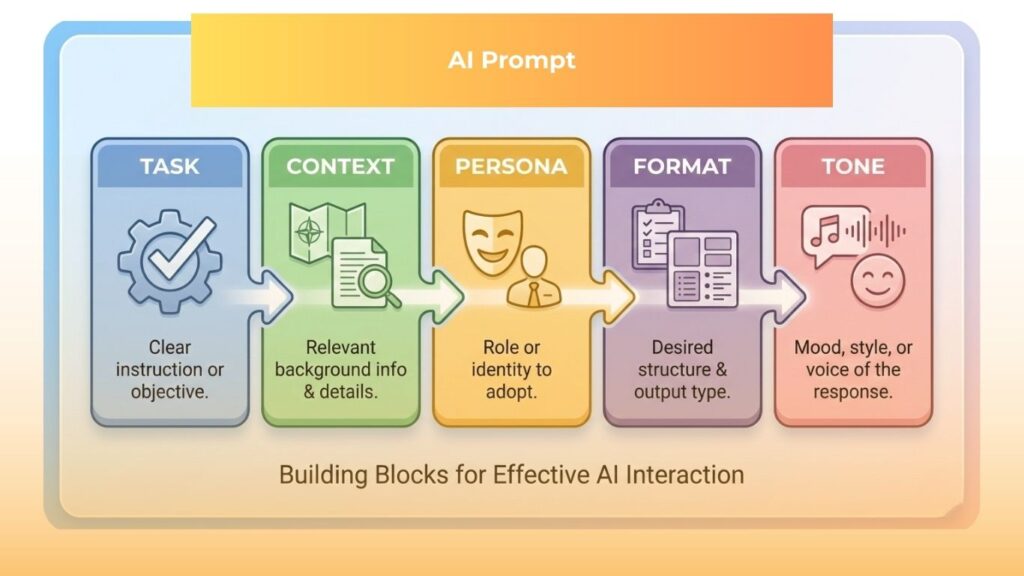
Imagine walking into a professional kitchen and handing a chef a bag of random ingredients. You simply ask for “something delicious.” While you might be craving a steak, the chef might serve you a salad. In this scenario, you cannot blame the cook; the instructions were just too vague.
This happens exactly the same way when you write a weak AI prompt.
You provide the raw materials and a general wish, but you fail to supply the recipe. Artificial intelligence acts just like that chef: it has access to millions of ingredients in its database, but it relies on your specific instructions to cook the meal you actually want.
A clear AI prompt serves as that detailed recipe, telling the technology exactly what to make, how to cook it, and how to serve it. Most beginners feel frustrated with tools like ChatGPT because they treat the AI like a mind reader, typing a few loose words and expecting a masterpiece.
>> The Secret to Making ChatGPT Actually Write Like a Human [2026 Guide]
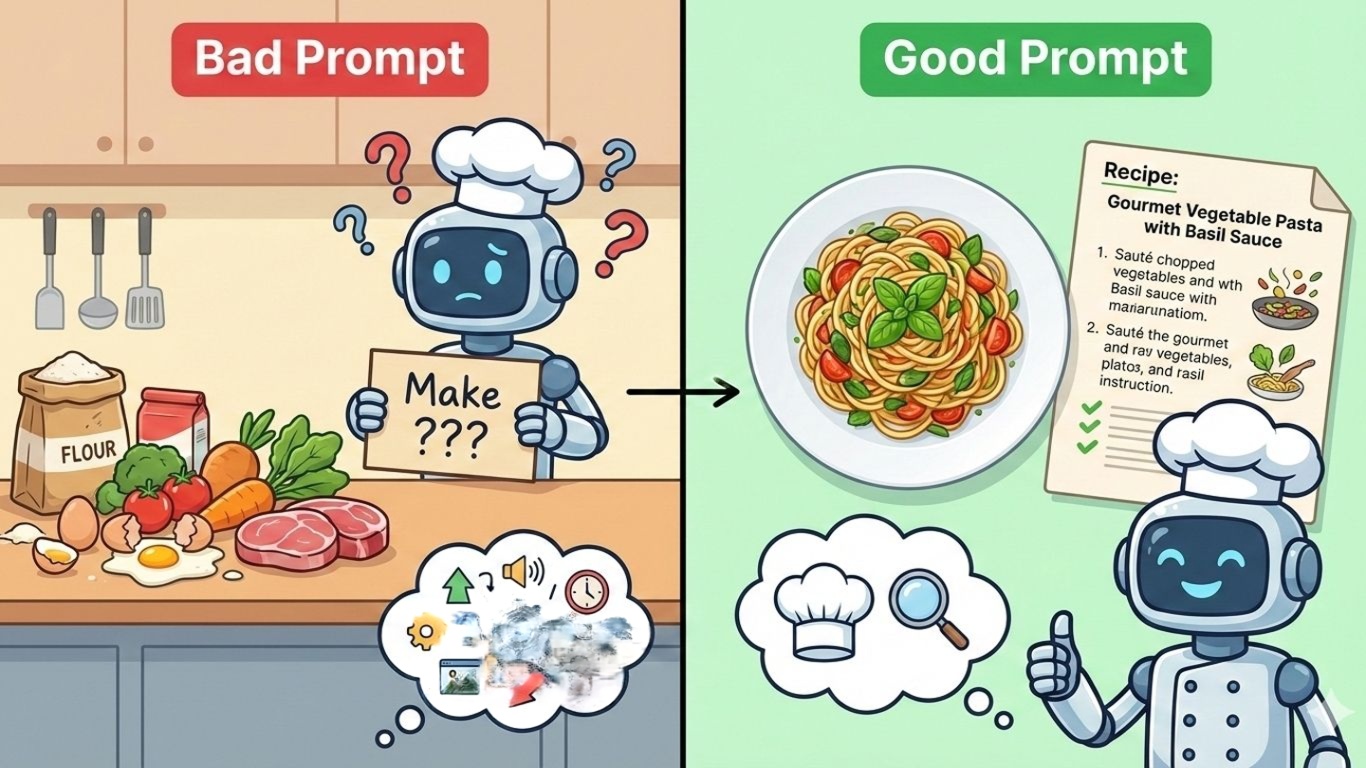
Success doesn’t require being a technical genius; you simply need to learn clear communication.
This guide will transform how you interact with generative AI, teaching you to write an AI prompt that delivers perfect results every time.
Understanding an AI Prompt
An AI prompt is simply the text input you type into a conversational tool. Whether you are using ChatGPT, Google Gemini, Claude, or a customer service bot, this text acts as the bridge between your human intent and the machine’s processing power.
When you hit enter, the specific words in your AI prompt trigger complex calculations. Rather than “knowing” things the way humans do, the AI analyzes your language to predict the most likely answer based on the patterns you provided.
Consequently, clarity is essential. If your AI prompt is messy, the prediction will be messy. A precise input narrows down the possibilities, forcing the AI to focus on the specific path you want it to take.
Many users give up on AI after writing a bad AI prompt and receiving a hallucination or generic answer. They assume the tool is broken, but in reality, the tool is just waiting for better guidance.
The Core Components of Effective Prompts
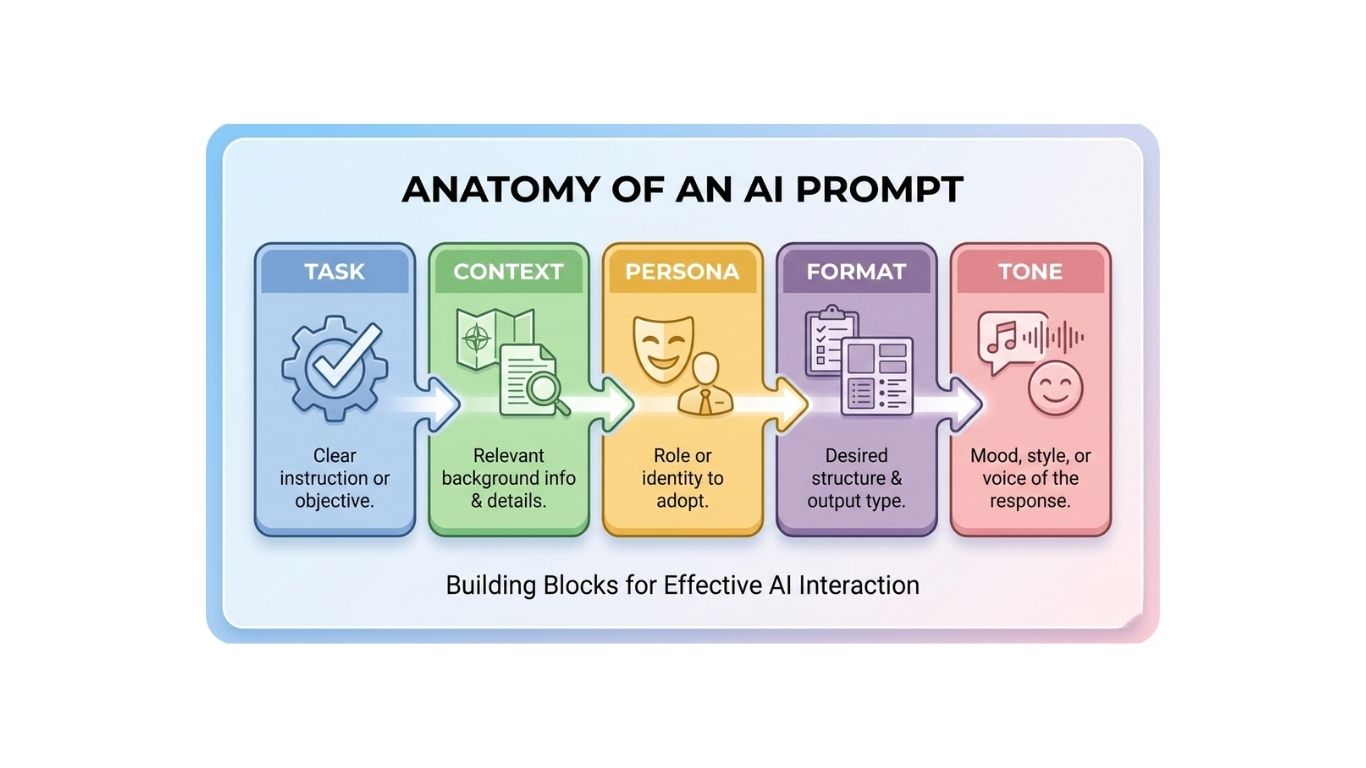
A great AI prompt isn’t just a single sentence; it is a bundle of specific components working together. Experts agree on six main elements that you should try to include in every interaction.
1. The Task or Command
The task acts as the heart of your AI prompt, telling the AI the specific action it must perform. Instead of using weak phrases like “can you look at this,” use strong, active verbs. Direct commands like “write,” “analyze,” “summarize,” or “translate” work best.
-
Bad AI Prompt Example: “Write something about marketing.”
-
Good AI Prompt Example: “Write a three-page sales report focusing on digital marketing trends for 2026.”
By giving a clear target in the second example, the AI knows the topic, length, and specific year, preventing it from drifting into irrelevant history.
2. Context
Without context, the AI assumes a generic scenario. Therefore, your AI prompt must explain the “who, what, where, and why” to provide background. Describing the audience or the problem helps the AI understand the nuance of your request.
-
Bad AI Prompt Example: “Write an email to my boss.”
-
Good AI Prompt Example: “Write an email to my boss promoting our new collaboration tool ‘Tigris.’ The tool offers email and calendar functions. We are targeting a simplified UI/UX to beat competitors.”
With the context provided in the second example, the AI can write a persuasive message rather than a generic greeting.
3. Persona or Role
Assigning a specific identity to the AI is a fun and powerful technique. Whether you need a marketing expert, a strict teacher, or a travel guide, defining a persona changes the AI’s vocabulary and perspective.
-
Bad AI Prompt Example: “Explain quantum physics.”
-
Good AI Prompt Example: “Act as an elementary school science teacher. Explain quantum physics using simple analogies a 10-year-old would understand.”
This ensures the language remains accessible. If you had asked for a “university professor” persona, the answer would have been far too complex.
4. Examples
Sometimes, showing is faster than telling. Often called “few-shot prompting,” this involves including a sample of the desired output within your AI prompt. If you want a specific writing style or data format, simply paste an example for the AI to mimic.
-
Bad AI Prompt Example: “Write a list of catchy slogans.”
-
Good AI Prompt Example: “Write catchy slogans for coffee. Use the style of these examples: ‘Wake up to happy,’ ‘Bean there, done that,’ ‘Sip happens.'”
By seeing the puns in your example, the AI understands the specific “vibe” you want, saving you from boring results.
5. Format
Unless you specify a format, you will likely get a hard-to-read wall of text. Your AI prompt should dictate how the information is presented, whether that be bullet points, a table, or a code block.
-
Bad AI Prompt Example: “Compare apples and oranges.”
-
Good AI Prompt Example: “Compare apples and oranges. Present the answer in a table with columns for nutritional value, taste profile, and growing regions.”
This forces the AI to organize its thoughts into a clean comparison chart instantly.
6. Tone
The tone determines the emotional voice of the response. By requesting a professional, friendly, humorous, or academic tone in your AI prompt, you ensure the output fits the situation perfectly.
-
Bad AI Prompt Example: “Write a rejection letter.”
-
Good AI Prompt Example: “Write a polite and empathetic rejection letter to a job applicant. Keep the tone professional but encouraging.”
Without this instruction, the AI might be too blunt or awkwardly casual.
The Secret Ingredient: Adding Your Personal Perspective
Have you ever noticed that AI writing can sound robotic or generic? This usually happens because the AI prompt itself is generic. If you ask the same question as everyone else, you will inevitably get the same answer.
To fix this, inject your unique perspective. Sharing personal constraints or unconventional ideas transforms the AI from a search engine into a creative partner.
For instance, instead of asking for a broad “travel itinerary for Seoul,” try writing an AI prompt that says: “I hate crowded tourist spots and love spicy food. Plan a Seoul trip focusing only on hidden alleys and local restaurants.”
This personal preference forces the AI to dig deeper, moving away from standard Wikipedia-style answers to find niche information that fits your taste. You can even ask the AI to debate with you by saying, “I think remote work is bad for team culture. Challenge my view and provide three counter-arguments.”
Practical Prompting Techniques
Writing a great AI prompt is a skill honed over time. Here are several techniques that expert users rely on to instantly boost quality:
-
Use Positive Instructions: Beginners often tell the AI what not to do (e.g., “Don’t use long words”). However, positive commands are easier for the system to process. Try saying, “Use simple vocabulary under an 8th-grade level.”
-
Chain of Thought: Ask the AI to show its work. Adding a phrase like “Think step-by-step” to your AI prompt helps the AI reduce logic errors, especially in math or reasoning tasks.
-
Iterative Refinement: Treat the interaction like a conversation. If the first answer is just okay, give feedback like, “That was good, but make the second paragraph funnier.”
-
Break Down Tasks: Don’t ask for a whole book at once. Write an AI prompt for the outline first, then separate prompts for each chapter.
-
Be Specific with Limits: If you want ideas, ask for exactly ten. If you want a summary, specify the word count.
Better prompts improve individual output, but enterprise AI needs shared standards, governed data and workflow-level ownership. The AI Roadmap whitepaper shows how organizations can move from prompt use to structured AI capability.

Top 5 AI Prompt Tools and Sites
You don’t always have to invent every AI prompt from scratch. There are amazing communities designed to help you find, share, and generate instructions.
Top 5 AI Prompt Tools and Sites
You do not have to navigate the world of AI alone. A vibrant global ecosystem of tools has emerged to help you write, refine, and organize your AI prompt library. Whether you are looking for visual inspiration or a marketplace of professional ideas, these five tools are essential for any modern creator.
1. PromptBase
Think of PromptBase as the “App Store” or eBay for AI instructions. It is the leading marketplace where expert “prompt engineers” buy and sell highly optimized text and image prompts.

You might not want to buy a prompt, and that is fine. However, browsing this site offers incredible value. You can see exactly how professionals structure their commands to get stunning results from Midjourney, DALL-E, or ChatGPT. It allows you to peek behind the curtain of top-tier AI creation.
-
Best for: Finding high-quality, proven templates for specific tasks.
-
Type: Marketplace.
-
Website: promptbase.com
2. AIPRM for ChatGPT
If you use ChatGPT frequently, AIPRM is a game-changer that lives directly in your browser. It is a Chrome extension that adds a dashboard of thousands of pre-made prompts right onto your ChatGPT screen.
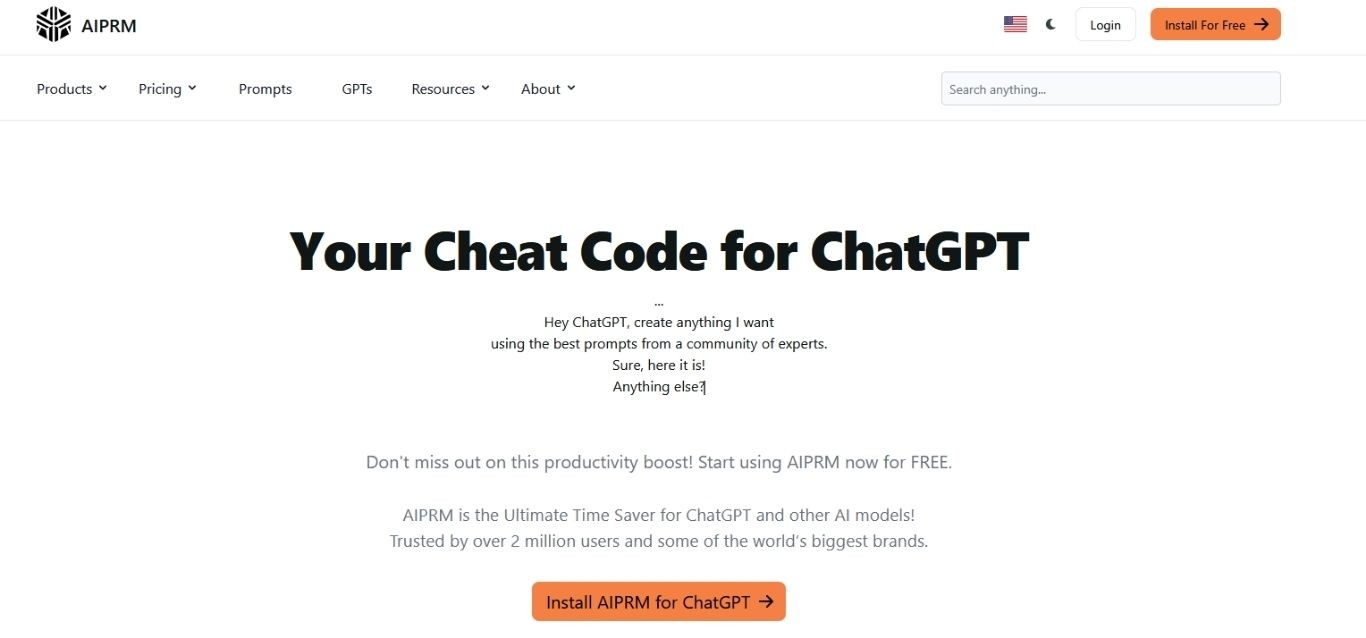
You no longer need to type out long, complex instructions for SEO, marketing, or coding. You simply click a card that says “Write Best-Selling Book Title” or “Audit My Website,” and the tool does the heavy lifting. It transforms the empty chat box into a menu of powerful options.
-
Best for: Users who want instant, one-click templates inside ChatGPT.
-
Type: Browser Extension.
-
Website: aiprm.com
3. PromptPerfect
Writing a great AI prompt often feels like a guessing game. PromptPerfect removes that uncertainty by acting as an automatic optimizer. You simply type your rough, messy draft into the system.
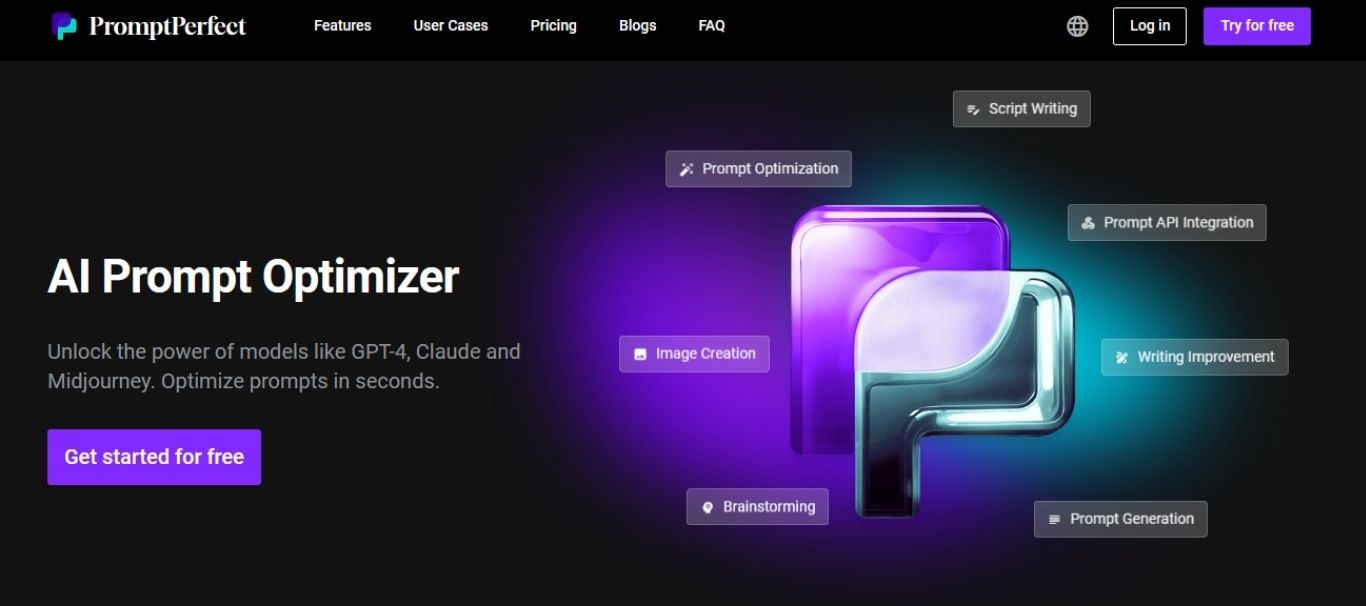
The tool then analyzes your input and rewrites it into a clear, detailed version that machines understand perfectly. It creates a side-by-side comparison, showing you exactly why the new version works better. It is like having a professional editor fix your instructions before you hit send.
-
Best for: Polishing and optimizing weak prompts automatically.
-
Type: Optimization Tool.
-
Website: promptperfect.jina.ai
4. PromptHero
For those focused on visual AI, PromptHero is an absolute necessity. It functions like Pinterest for the AI generation era. You can scroll through millions of breathtaking images created by Stable Diffusion, Midjourney, and Openjourney.

The magic lies in the metadata. When you click on an image you love, you see the exact AI prompt and settings used to generate it. You can copy these “recipes” to recreate the style or tweak them to build something entirely new.
-
Best for: Visual artists and users of image-generation AI.
-
Type: Image Discovery / Database.
-
Website: prompthero.com
5. Phraser
If you find blank text boxes intimidating, Phraser offers a different approach. It helps you construct an AI prompt using a visual interface, almost like building with Lego blocks.
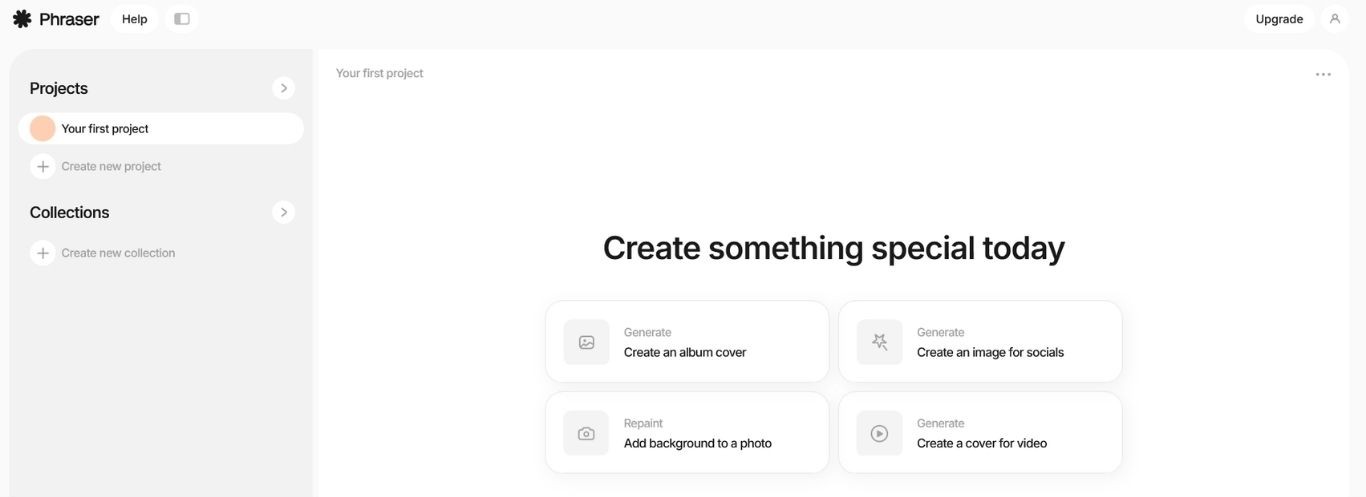
Instead of typing words, you select options from menus: a specific artistic style, a camera type, a lighting condition, or a resolution. Phraser combines these choices into a coherent string of text. This is particularly helpful for beginners who do not know the technical vocabulary required for high-end image generation.
-
Best for: People who prefer visual building blocks over typing code.
-
Type: Prompt Builder.
-
Website: phraser.tech
Putting It All Together: The PCRO Framework
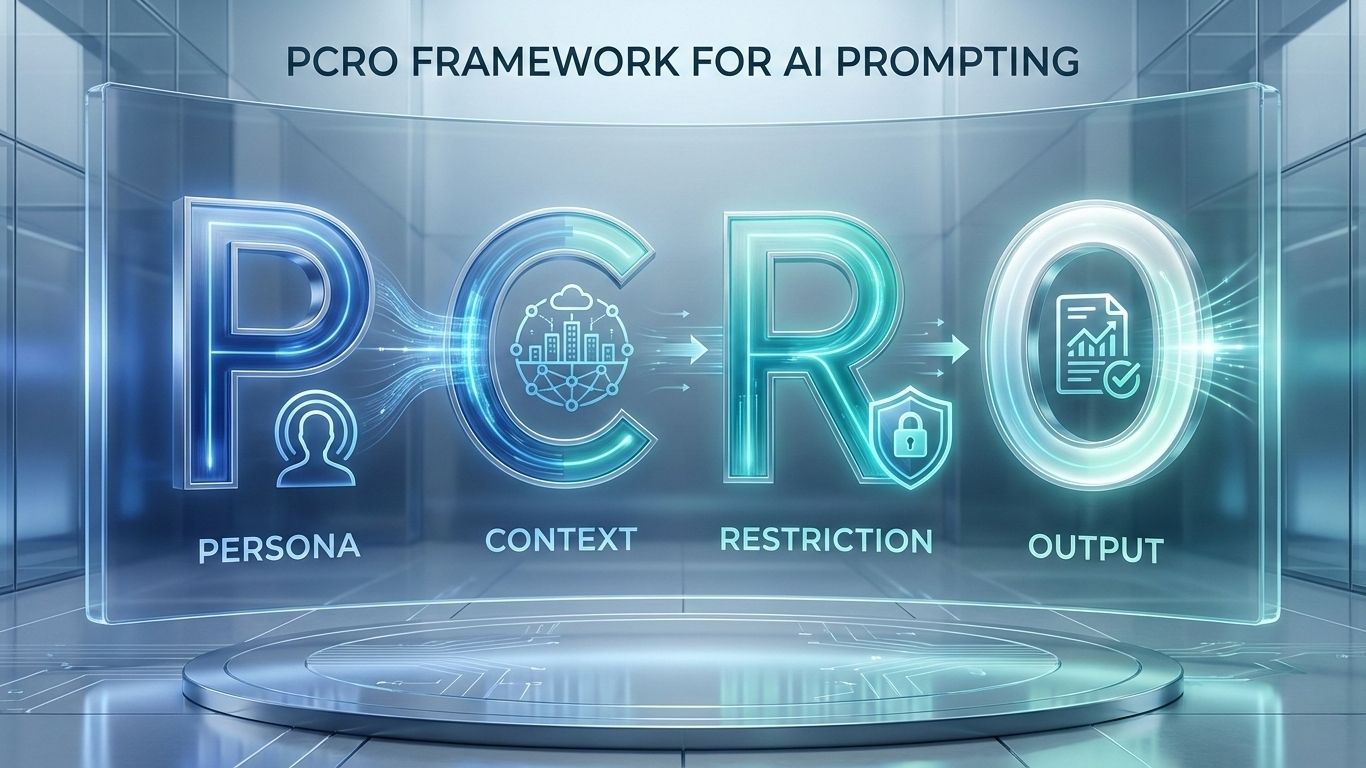
To make writing an AI prompt easier, experts recommend the “PCRO” framework: Persona, Context, Restriction, and Output.
-
P (Persona): Give the AI a role.
-
C (Context): Explain the background.
-
R (Restriction): Tell it what to avoid.
-
O (Output): Define the format.
Weak AI Prompt: “Write an email about our new CRM software.”
(This is too vague and lacks flavor.)
Strong PCRO AI Prompt: “Act as a professional copywriter (Persona). Write a promotional email targeting IT team leaders to introduce our new CRM (Context). Avoid using complex jargon; keep it simple (Restriction). Structure it with a clear introduction and bullet points for features (Output).”
Using this checklist ensures your AI prompt is complete before you hit enter, saving you time on corrections. Writing a good prompt is the literacy of the future; start practicing today to unlock the full potential of AI.
Frequently Asked Questions (FAQ)
What exactly is an AI prompt?
At its most basic level, a prompt is the input you give to an AI model to trigger a response. Think of it as the steering wheel for the technology; it guides the AI on where to go. While most people use text questions, a prompt can also be a block of code, a specific image, or a set of data. It serves as the core of human-AI interaction, providing the necessary context and purpose so the model can generate useful outputs like summaries, emails, or creative stories.
How do I create a prompt that actually works?
Creating a successful prompt requires more than just asking a question. You need to focus on specificity. Instead of writing a vague request like “write an essay,” you should provide clear details: “Write a 500-word persuasive essay on climate change for a high school audience.”
Always tell the AI the format you want. Do you need a table, a list, or a short paragraph? By defining the role (e.g., “Act as a teacher”) and the constraints (e.g., “Use less than 200 words”), you transform a generic request into a powerful command.
Can you give me examples of good AI prompts?
Certainly! Effective prompts often fall into specific categories depending on your goal:
-
For Creativity: “Describe a steampunk owl detective investigating a crime in a Victorian library.”
-
For Business: “Act as a marketing expert. Generate 5 irresistible sales offers for my new digital product.”
-
For Learning: “Explain quantum physics to me as if I were five years old.”
-
For Productivity: “Review this meeting note and summarize it into a checklist of action items.”
How does the AI read and process my prompt?
When you hit enter, the AI does not “read” like a human does. Instead, it performs “Input Analysis” by scanning your text for familiar patterns learned from its massive training data. It then uses a process called inference. This means the model calculates the mathematical probability of which words should come next to form a relevant answer. The better your instructions are, the easier it is for the AI to calculate the correct path to your desired result.
READ MORE:
>> Top 4 ChatGPT Alternatives That Actually Work Better